To set up your Spire Studio for the first time, please follow these steps!
Download the free Spire application
To download the Spire App on iOS, please click here on your iPhone or iPad, or simply search for “Spire Recorder” in the App Store. After you locate the application, tap “GET” to download.
To download the Spire App for Android, please click here on your Android device and tap "Install".
Launch the Spire application
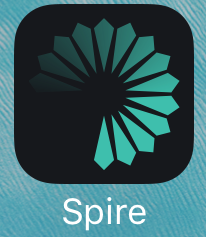
Locate the Spire icon (seen below) on your phone and touch it to launch the app.
Connect Power
Plug your Spire Studio into a working power outlet using the supplied cord, and turn it on by pressing the Power button directly above where the power cord plugs in.
Connect Spire Studio to Spire App
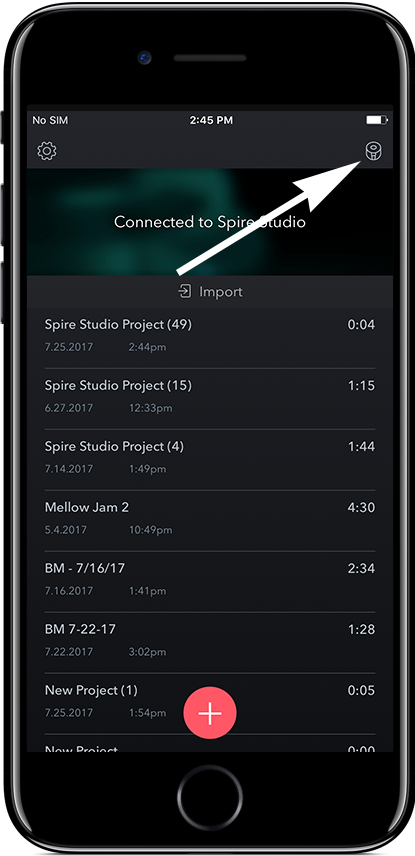
For iOS, click the Spire Studio icon in the upper right-hand corner.
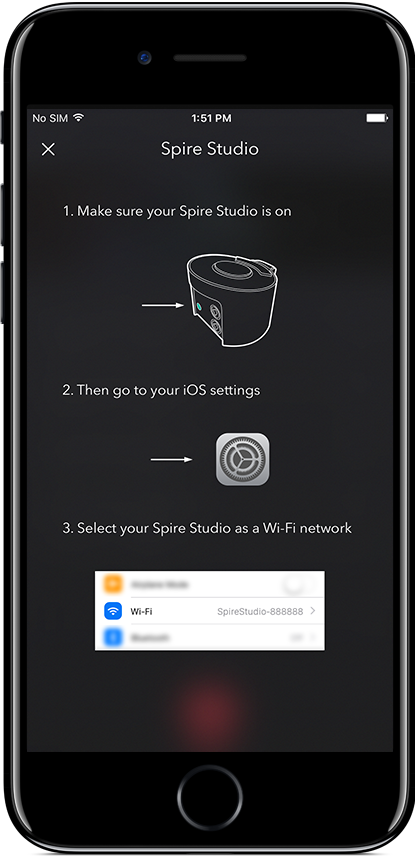
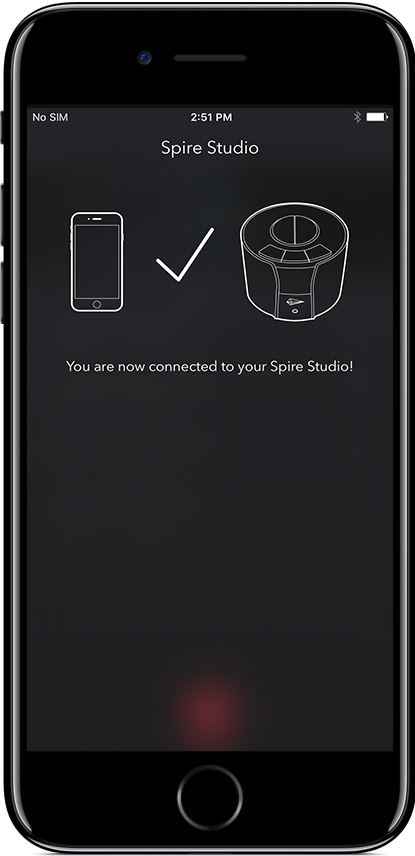
If you see the screen above, you are successfully connected to your Spire Studio!
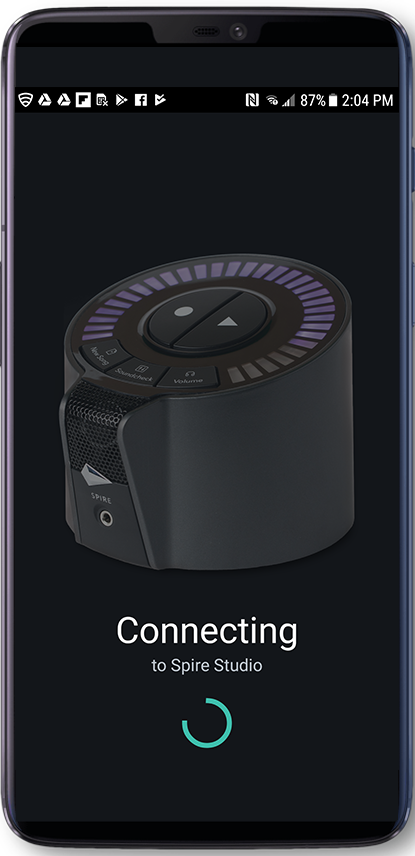
On Android, the Spire app will automatically begin searching for your Spire Studio to connect to.
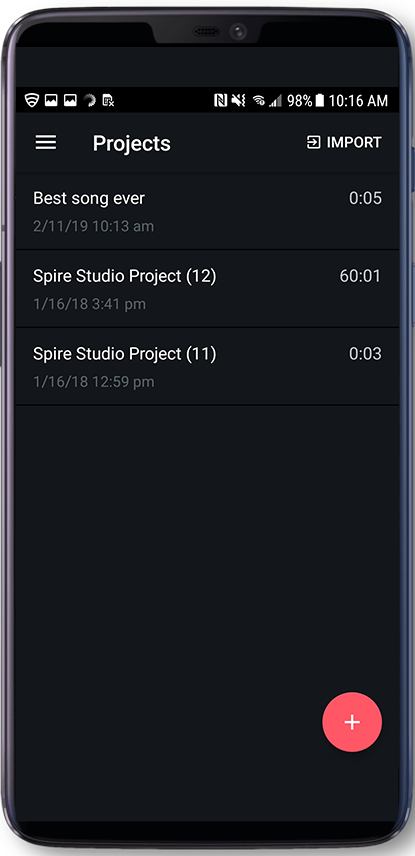
If you are taken to the main Project List screen, you have successfully connected to your Spire Studio!