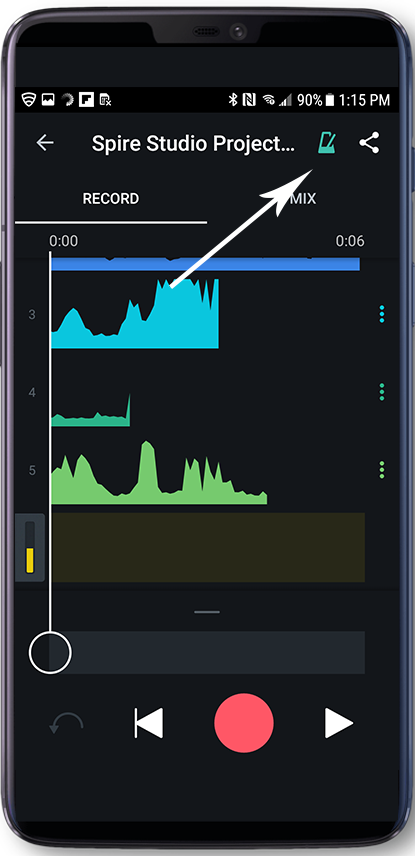
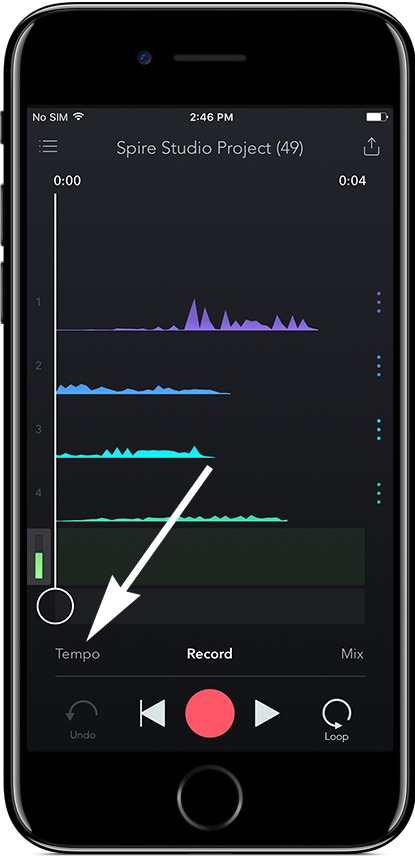
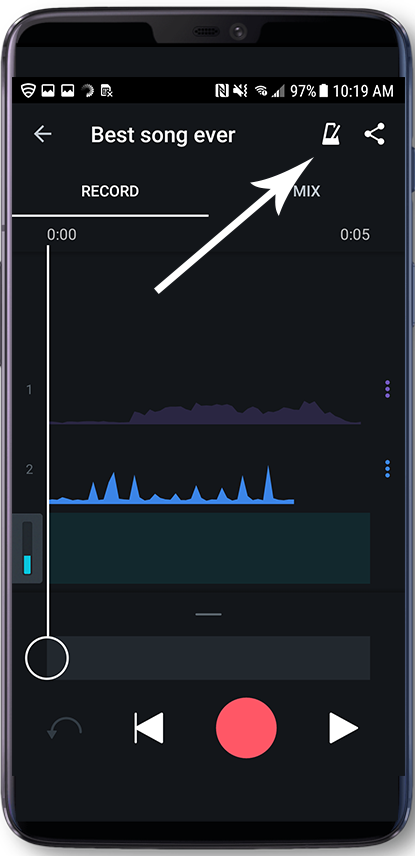
On iOS, you can access the metronome within the Tempo Tab in any project by touching “Tempo” in the lower-left corner. For Android, tap the metronome icon to the right of the project title.
 .
. 
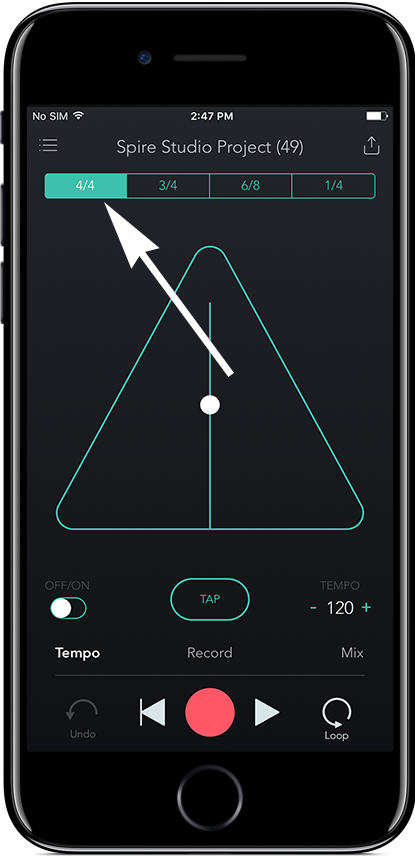
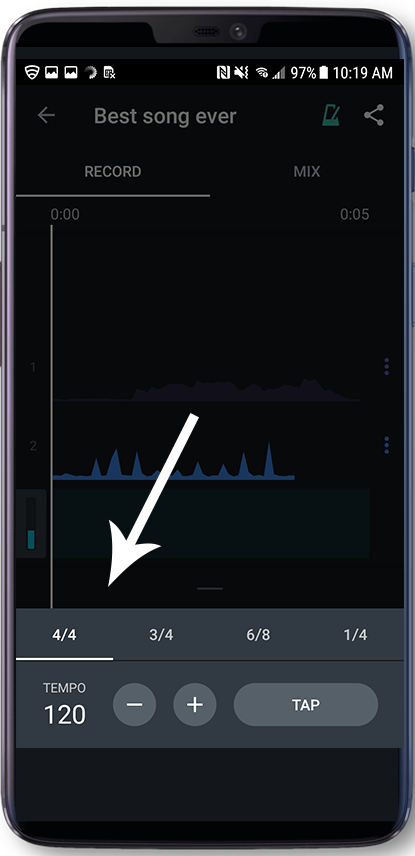
The metronome in the tempo tab is fully customizable! You can set the time signature using the four buttons across the top in iOS or across the bottom on Android.
 .
. 
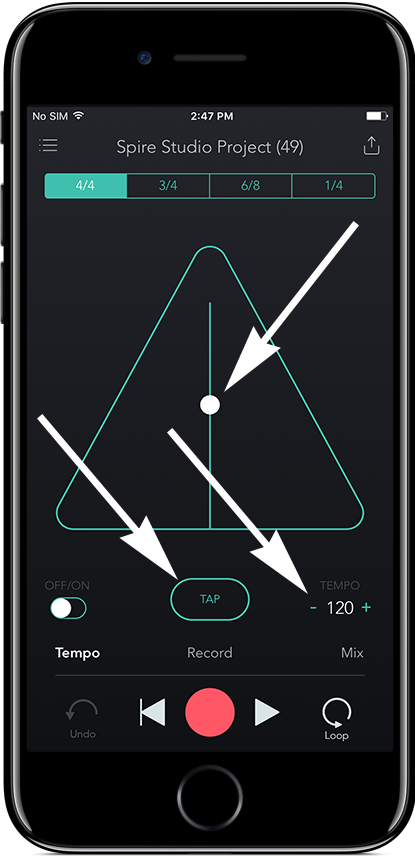
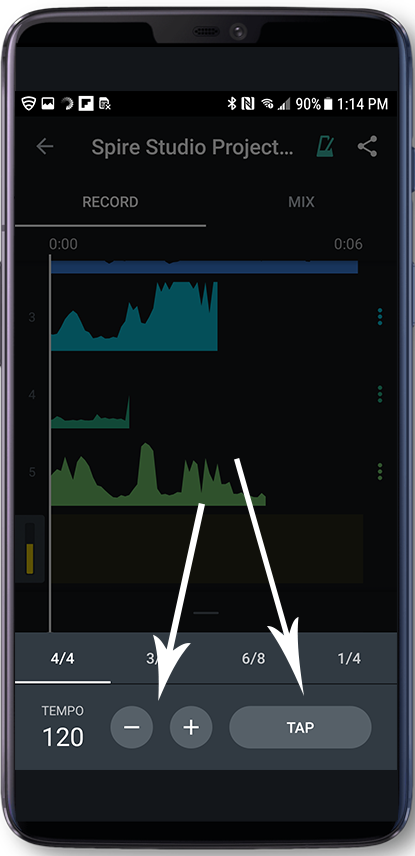
You can adjust the tempo on the metronome itself by sliding the dot up (to slow down) or down (to speed up) on iOS. You can also set the tempo by using the -/+ buttons in the lower right corner. Additionally, you can use the TAP button to manually "tap" out your preferred tempo by ear.
 .
. 
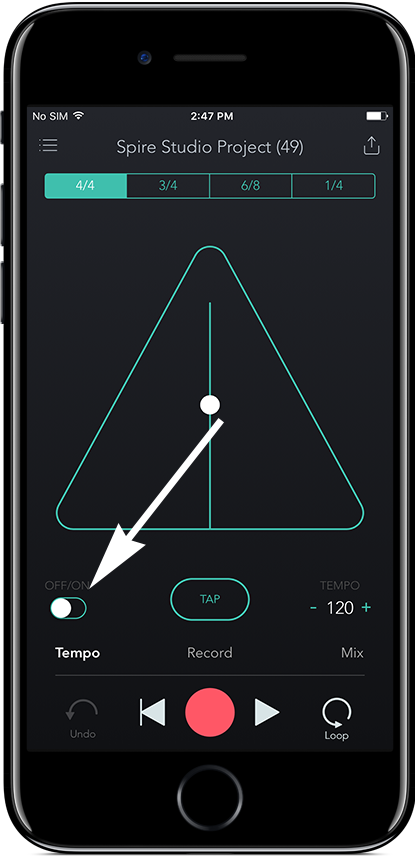
Turn the metronome on or off using the ON/OFF button in the lower-left corner on iOS, or near the top right corner on Android.
 .
.